
 2: The GEO Revolution Why Structured Data is Your AI Business Card
 2: The GEO Revolution Why Structured Data is Your AI Business Card
We have entered the era of Generative Engine Optimization (GEO). AI models like Google Gemini ChatGPT and Search Generative Experience (SGE) no longer just read your website; they analyze its data structure. If you fail to Fix Shopify Schema Errors in GSC, these AI agents cannot verify your product’s details. When a user in Australia asks an AI, Where can I buy a waterproof hiking tent under $200?, the AI will only recommend stores with valid JSON-LD markup.
To Fix Shopify Schema Errors in GSC is to make your business machine readable. By following the Schema.org vocabulary, you provide a clear digital ID card for your store. Without a dedicated effort to Fix Shopify Schema Errors in GSC, you are effectively locking your store out of the AI search revolution. Whether it’s appearing in AI Overviews or winning the Product Grid in search results, the ability to Fix Shopify Schema Errors in GSC is the difference between digital growth and total invisibility.
3: The Red Zone Identifying Common Shopify Errors
Before you can fix Shopify Schema Errors in GSC, you must play detective. When you log into your Google Search Console, navigate to the Enhancements tab. This is your command center. If you see red bars under Product Snippets, it’s time to act.
Common Culprits in Shopify Stores:
- Missing field price: This usually happens because your Liquid tag isn’t pulling the correct currency or numeric value from your Shopify backend.
- Missing field review: Most third-party review apps don’t automatically sync with your theme’s schema. To Fix Shopify Schema Errors in GSC regarding reviews, you need to manually bridge that data.
- Invalid URL in field image: Sometimes Shopify’s CDN creates URLs that Google’s bot finds “unreachable” or incorrectly formatted.
The diagnostic strategy is simple: don’t just click Validate. Instead, understand the error message first. Google tells you exactly which line is failing. Once you identify the Why, you can move to the How and Fix Shopify Schema Errors in GSC at the code level.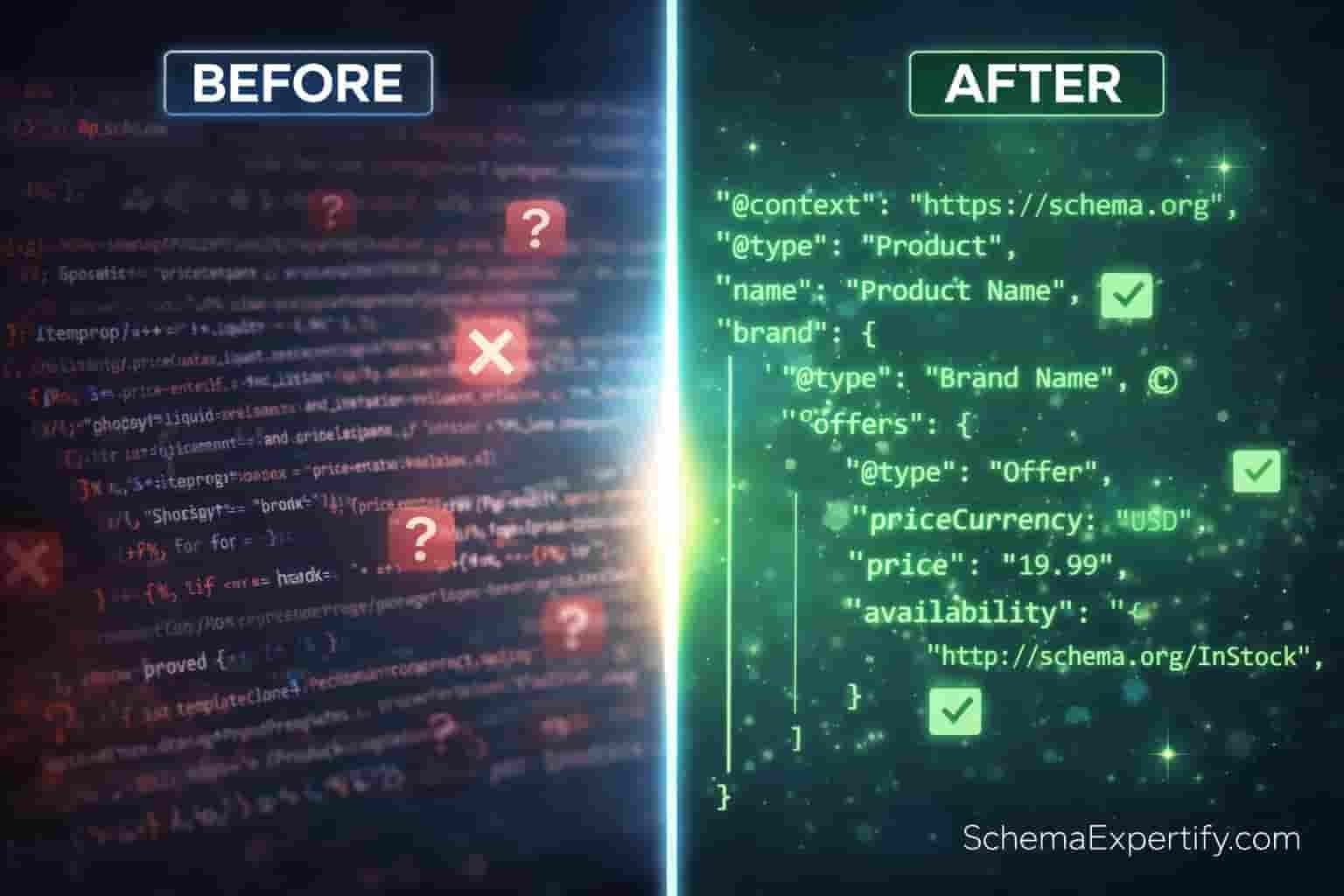
4: The Solution Step-by-Step Technical Fixes
Fixing your store’s structured data requires a surgical approach. Many merchants try to use automatic apps, but these often create duplicate scripts that confuse Google. Here is the professional way to Fix Shopify Schema Errors in GSC manually.
Step 1: The Liquid Audit
Open your Shopify Admin and go to Edit Code. Look into product.liquid or main product.liquid. Your first task to Fix Shopify Schema Errors in GSC is to remove any old, “hard-coded” Microdata (itemprop tags) that might be clashing with your new JSON-LD. Clean code is the foundation of SEO.
Step 2: Manual JSON-LD Injection
Why manual? Because it’s lightweight and 100% accurate. To Fix Shopify Schema Errors in GSC, you should inject a clean JSON-LD script into your theme. This ensures that Google reads your price, availability, and brand as one cohesive Entity rather than scattered pieces of data.
Step 3: The Validation Tool
Don’t guess if your code works. Before going back to Google, use SchemaExpertify.com. Simply paste your code or URL into the validator to confirm that your attempt to Fix Shopify Schema Errors in GSC is technically sound. Our tool mimics Google’s bot to give you a Pass/Fail result instantly.
Step 4: GSC Validation & Monitoring
After you have applied the fix and verified it on SchemaExpertify.com, go back to your Search Console. Click on the specific error and hit Validate Fix. This is the final step to Fix Shopify Schema Errors in GSC. Google will now re-queue your pages for crawling.
By following these steps to Fix Shopify Schema Errors in GSC, you are telling Google that your store in the USA or UK is a high quality, trusted source. Remember, the goal to Fix Shopify Schema Errors in GSC isn’t just to remove red bars, it’s to win those 5-star rich snippets that drive sales.
If you find this process overwhelming, you are not alone. To Fix Shopify Schema Errors in GSC perfectly on the first try, many top-tier merchants prefer hiring an expert.
5: SchemaExpertify.com Your Secret Weapon for Precision
In the fast-paced e-commerce markets of the USA and UK, you don’t have time for guesswork. SchemaExpertify.com is designed to simplify the lives of Shopify owners by providing instant, expert-level validation. Whether you need a quick check or a clean piece of code, our tool ensures you fix Shopify Schema Errors in GSC with surgical precision in just one click.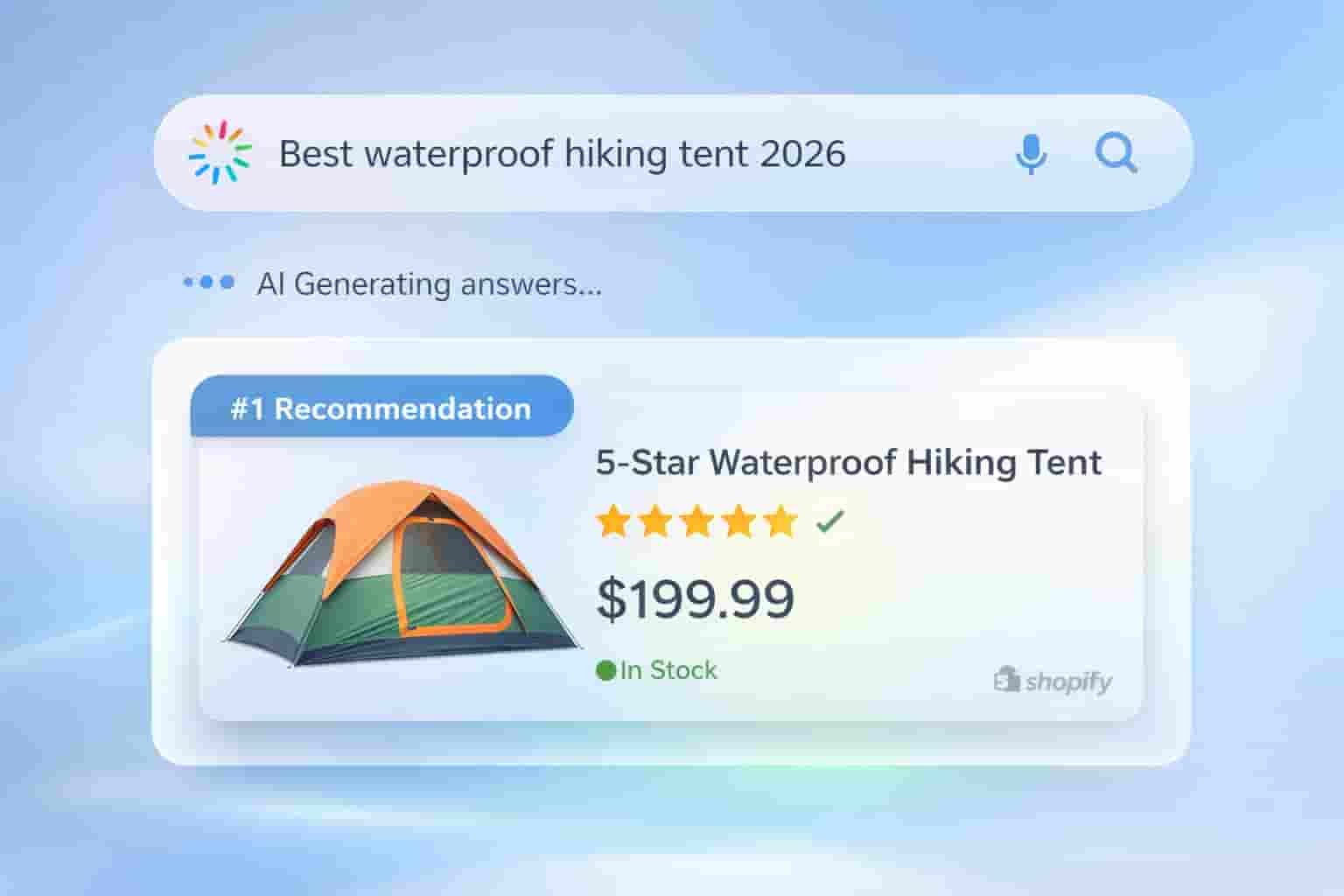
6: Expert Intervention The Bridge to Perfect Rich Snippets
Here is a reality check: structured data is unforgiving. Even a single missing comma (,) or a misplaced bracket can render your entire schema Invalid, causing your gold stars to vanish overnight. While it is possible to fix Shopify Schema Errors in GSC on your own, the technical complexity can be a dangerous distraction from running your business.
If you want to bypass the frustration and ensure your store achieves 100% validated Rich Snippets across Canada, Australia, and Europe, expert help is just a click away. Why risk your search visibility when you can have a professional Fix Shopify Schema Errors in GSC for you?
While this guide provides the essential steps to Fix Shopify Schema Errors in GSC many high volume merchants prefer the peace of mind that comes with professional implementation. If you want to bypass the technical struggle and ensure your store qualifies for elite rich results, you can Hire a Certified Schema Expert on Fiverr to handle your manual JSON-LD integration and Fix Shopify Schema Errors in GSC directly.