Woo Ratings Schema Errors
Imagine this: You’ve spent months building your WooCommerce store. You have great products, happy customers, and high quality images. But when you check your Google Search Console (GSC), you see a sea of red warnings.
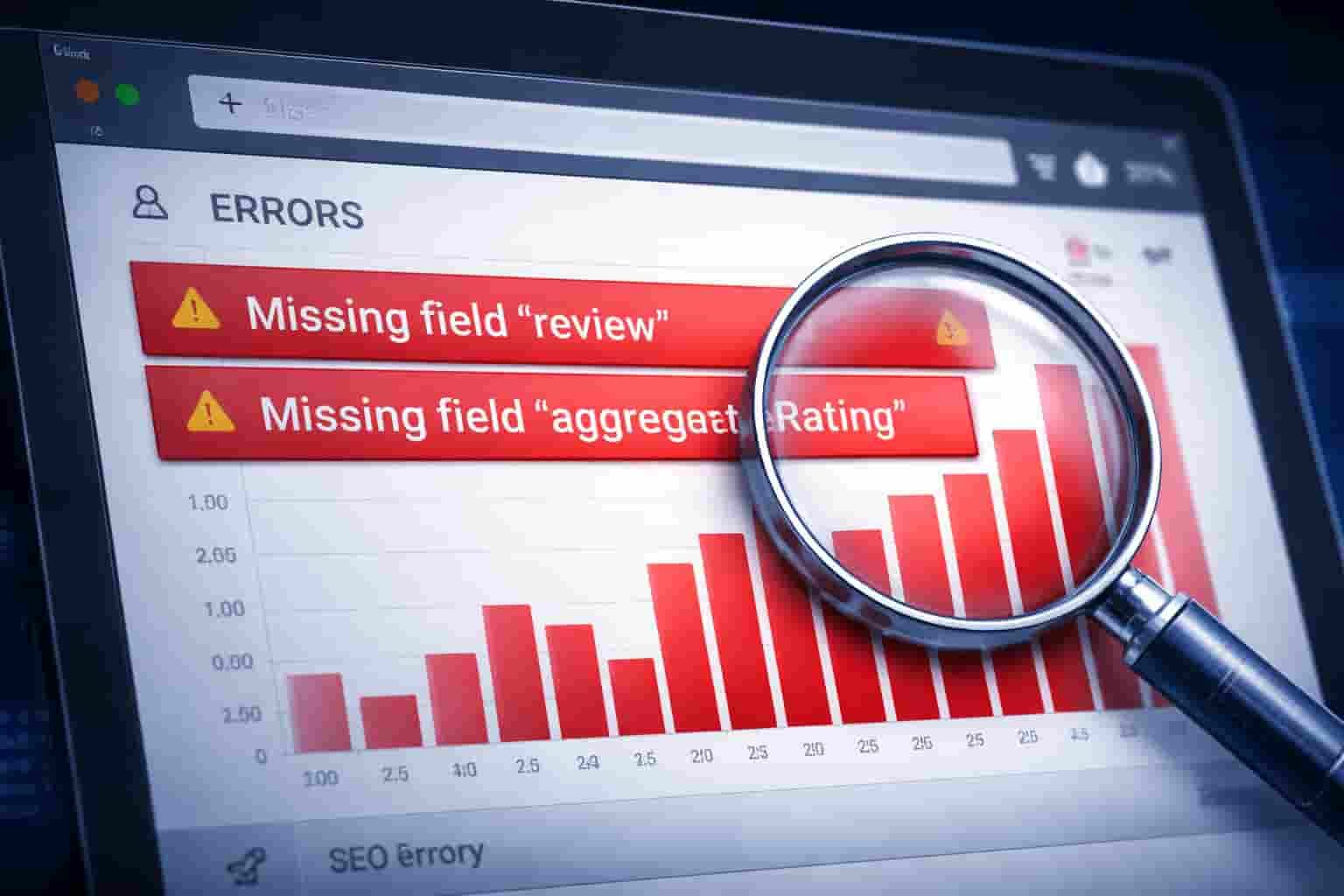
Missing field review Missing field aggregate Rating Value in field ratingValue must be positive
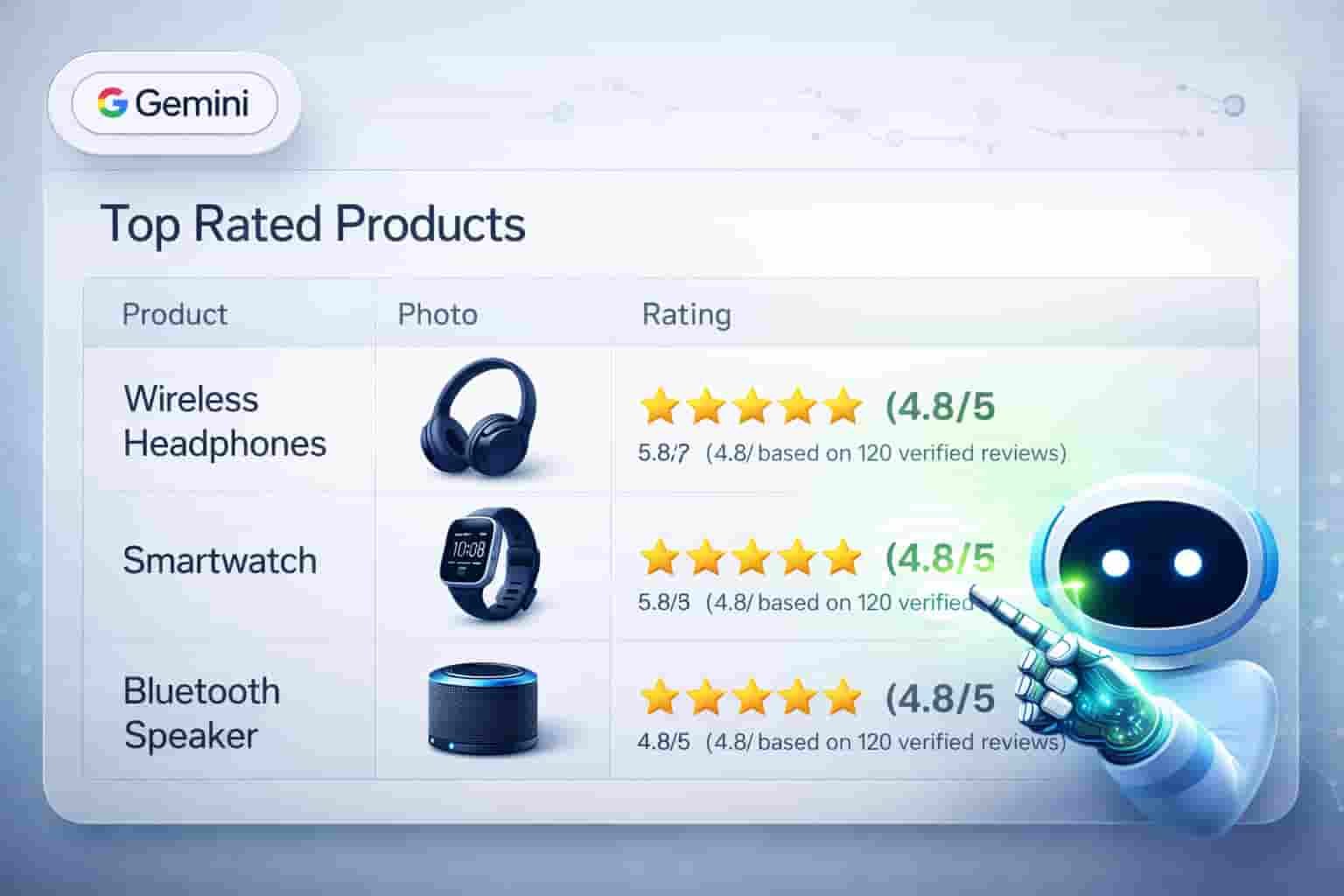
It’s frustrating, right? These aren’t just technical glitches; they are stop signs for your traffic. In 2026, where AI Search (GEO & AEO) and Google Gemini dominate, having broken structured data means your products will never show up in those premium AI Overviews or rich snippets.
But don’t worry. Fixing Woo Ratings Schema Errors is easier than you think if you know the under the hood secrets. Let’s dive into how you can fix these instantly and get those golden stars back on Google.
Why Do These Errors Suddenly Appear?
Most WooCommerce store owners think their theme handles everything. The truth? Many themes output outdated or incomplete JSON-LD (the language search engines speak).
In 2026, Google has become incredibly strict about Merchant Listings. It no longer just guesses your ratings. It demands precise, entity-based data. If your theme only shows ratings on the front end for humans but forgets to tell the Googlebot in the code, you get a WooCommerce structured data issue.
Common Error Types Explained:
- Missing Field review: Google wants to see an actual text review linked to the rating. If your site has a star rating but no text, it triggers this error.
- Missing Field aggregateRating: This happens when the average score of all reviews isn’t properly calculated in your JSON-LD review errors block.
- Value in field ratingValue must be positive: Sometimes a glitch causes a rating to show as 0 or null, which Google’s validator rejects immediately.


The 5 Proven Secrets to Fix Woo Ratings Schema Errors
1. The Manual Snippet Fix (For Quick Wins)
Often, WooCommerce doesn’t trigger the rating schema if a product has 0 reviews. However, Google still wants to see the structure. You can add a professional filter to your functions.php file that ensures the schema block is correctly structured. This tells Google that the entity exists and is ready for data, resolving the fixing review or ‘rating’ field not found warning.
2. Map Your Entities Correctly
A major reason for the Aggregate Rating schema missing error is poor entity mapping. Google needs to know that the Review belongs specifically to the Product.
- The Fix: Ensure your code uses the itemprop=review attribute. This small tag acts as a bridge, telling AI search models that these words are social proof for your brand’s authority.
3. Leverage SchemaExpertify Automation
Let’s be honest: manually fixing code for 100+ products is a nightmare. This is why I developed SchemaExpertify. Instead of fighting with code, SchemaExpertify automation handles the technical heavy lifting. It injects a clean, 2026 compliant JSON-LD script that overrides broken theme code. This is the fastest way to get a Google Search Console Merchant Listings fix without being a developer.
4. Fix Redirect & Canonical Conflicts
Sometimes, a schema error isn’t actually a schema error it’s a crawl error. If your product page has a redirect error or a canonical issue, Googlebot might see a partial version of your page and miss the rating data entirely. Ensure your URLs are clean and your robots.txt isn’t blocking the scripts that render your reviews.
5. Optimize for AEO (Answer Engine Optimization)
In 2026, it’s not just about the Star icon in search results. It’s about being the Recommended Answer by AI.
- The Secret: Add a Verified Buyer tag in your schema code. When Google Gemini looks for the Best Rated Bookkeeping Service, it prioritizes sites with verified, error free schema. Fixing these errors is your ticket to the NO 1 spot in AI generated search results.
How to Verify Your Fixes
Once you’ve implemented these changes, you must validate them:
- Rich Results Test: Paste your URL into Google’s official tool. If you see Product Snippets in green, the WooCommerce structured data issues are gone.
- GSC Validation: In Search Console, find the error and click Validate Fix. This puts your site in the priority queue for re-crawling.
Final Thoughts: Build Your Store’s Authority
Your WooCommerce store is your digital asset. Woo Ratings Schema Errors are like cracks in the foundation they look small, but they can hurt your Merchant growth and Store authority in the long run.
By fixing these errors, you aren’t just removing a red warning; you are building a brand that Google and AI models will trust and recommend to thousands of customers.
Need a Professional Hand? If you’re busy growing your business and want an expert to handle the technical heavy lifting, check out my Technical SEO & Schema Fix Service on Fiverr. I’ll clear your GSC errors and optimize your site for the future of search.
4: Why Broken Schema is Invisible to AI Search (AEO)
In 2026, the search landscape has shifted. It’s no longer just about Google Search; it’s about Answer Engine Optimization (AEO). When users ask Google Gemini or ChatGPT for the Best rated WooCommerce products, these AI models rely heavily on your site’s structured data.
If your Woo Ratings Schema is broken, your product effectively becomes invisible to AI. These models don’t guess they fetch verified entities. Without a valid aggregate Rating or review field, Gemini won’t cite your brand, and ChatGPT won’t recommend your store. Fixing your schema errors isn’t just about SEO; it’s about ensuring your business is recommended in the AI-driven future of shopping.
CTA
Technical SEO can be overwhelming, but it’s the foundation of your store’s success. Don’t let a few lines of broken code kill your conversions. If you want a stress free, 100% manual fix for your GSC errors, I’m here to help.
Ready to turn those red warnings into green ticks? Visit my Fiverr Pro Profile today for a comprehensive Technical SEO audit and a permanent fix for your WooCommerce schema. Let’s get your products the visibility they deserve!